
I’ve had to do this quite a few times lately seen as though I moved from bBlog to WordPress, there were some things I wanted to change, for example all posts that references /contact.php I wanted to change to /contact/ to fit the new permalink structure.
So for example in that case go to Cpanel (assuming you are using it) which will give you access to phpMyAdmin.
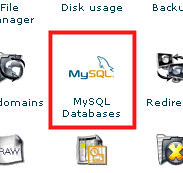
First you need to login to Cpanel with the username/password provided to you by your host, following that find the MySQL Databases link and click that.
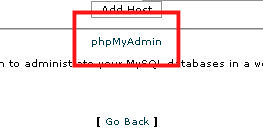
Then at the bottom you’ll see a link to phpMyAdmin, this is a web based management system for MySQL databases.
At the top left you can then select your database.
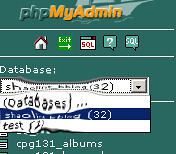
After that click the small SQL icon and a window should pop-up like this:
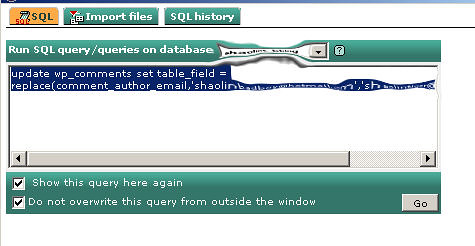
There you can enter your SQL statement.
To update something it’s in the form of:
update table_name set field_name = replace(field_name,'replace_this','with_this');
So the example I used above for WordPress would be:
update wp_posts set post_content = replace(post_content,'/contact.php','/contact/');
Pretty useful for general housekeeping or during a conversion/update.


good tip
how much i owe u? can i buy u beer instead? =P
spliller: Beer, Liquor, nice seafood makan..I accept them all!
gosh, you can do without all the annoying distortion of the images